Common Time-Consuming Tasks in Local Food Businesses
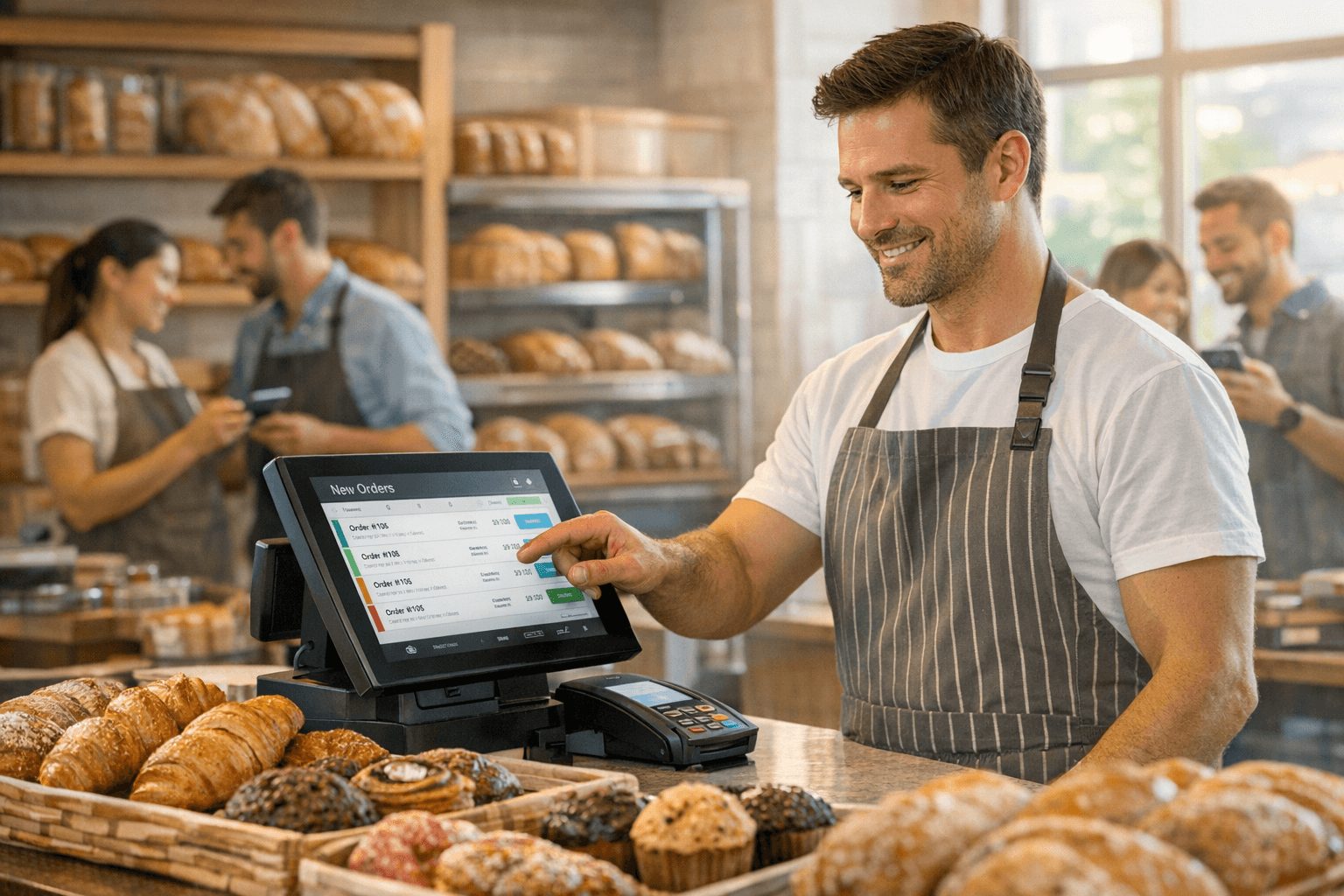
Running a local food business involves several repetitive and time-consuming tasks that can quickly add up to many hours each week. Among the most significant are scheduling appointments or deliveries, managing invoicing, and maintaining clear customer communication. These tasks, while crucial to smooth operations, often require constant attention and manual handling, taking time away from more strategic or customer-focused activities.
Scheduling involves coordinating with customers or suppliers to fix times for orders, deliveries, or meetings. Without an automated system, this process may involve numerous phone calls and email exchanges, leading to lost hours. Invoicing is another demanding task, requiring the creation, sending, and follow-up of bills. For many local food businesses, invoicing manually or using semi-manual processes can be tedious and prone to errors, which can delay payments and disrupt cash flow.
Customer communication extends beyond scheduling and invoicing. It includes responding to enquiries, confirming orders, and handling feedback or complaints. This ongoing need can be overwhelming, especially during busy periods. Automating these routine operations can save valuable time, allowing business owners and their teams to focus on the quality of their food and customer experience rather than administrative burdens.
How AI Automation Simplifies Scheduling and Reduces No-Shows
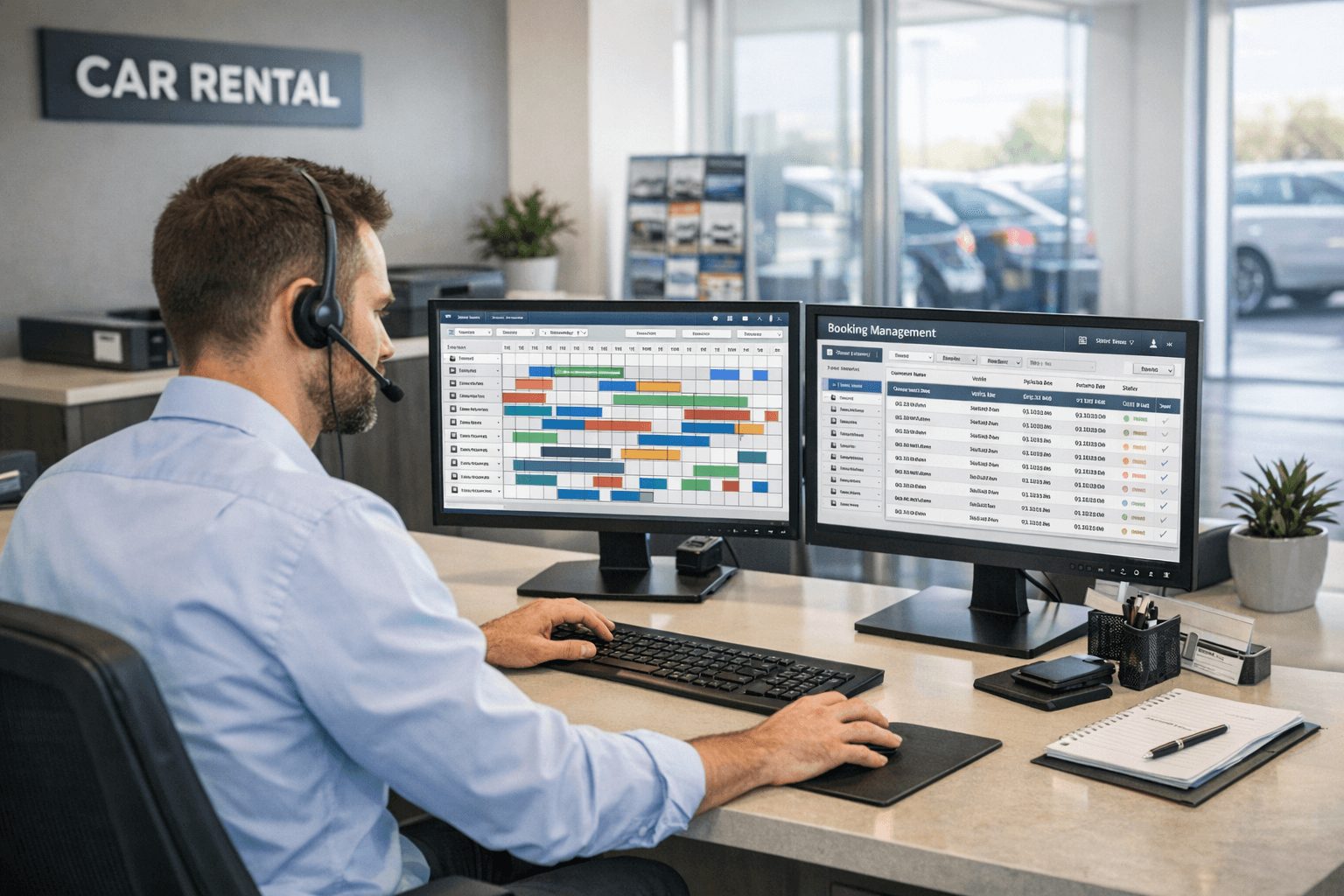
One of the most effective ways AI automation benefits local food businesses is through smarter scheduling tools. These systems integrate directly with calendars, providing real-time availability without the need for back-and-forth communication. Customers and staff alike can book, reschedule, or cancel appointments with ease.
Automated confirmations and reminders play a key role in reducing no-shows, which can significantly affect profitability. By sending timely notifications via email or SMS, these tools help ensure customers show up or alert the business in advance if they need to change plans. In fact, businesses using such automated reminders have seen no-show rates drop by up to 60%, according to industry reports.
This seamless scheduling approach not only saves around 1 to 2 hours daily but also improves customer satisfaction by making the booking process straightforward. It allows local food business owners to manage their time efficiently, reduce wasted slots, and maintain a more reliable service operation.
Automating Invoicing and Payment Workflows for Better Cash Flow
Invoicing is another area where AI automation makes a significant impact. Modern tools can automatically generate invoices based on sales data captured in customer relationship management (CRM) systems or point-of-sale software. This reduces manual input errors and speeds up the billing process.
Scheduled payment reminders are automatically sent to customers at preset intervals, gently prompting timely payments and reducing the need for manual follow-ups. Integration with accounting software means that records are updated in real time, giving business owners a clear view of their outstanding receivables and cash flow.
This automation can save local food businesses around 2 to 3 hours weekly and markedly improve financial predictability. With faster invoice processing and fewer missed payments, businesses can better manage their budgets and growth plans without the hassle of chasing payments manually.
Implementation Timeline and Cost Considerations for Local Food Businesses
Adopting AI automation tools need not be complicated or time-consuming. For typical local food businesses, the setup period usually ranges between two to four weeks, depending on the complexity of current systems and the specific tools selected.
The cost of implementing these automated solutions is often lower than hiring additional staff for the same administrative workload. Many providers offer subscription-based models accessible even to smaller operations. Over time, the time saved and improved operational efficiency offsets these initial costs, delivering a positive return on investment.
Business owners can start with core tasks like scheduling and invoicing before expanding automation to other areas. This phased approach minimises disruption and allows businesses to adapt gradually, ensuring a smooth transition to more efficient workflows.
Practical Steps to Start Using AI Automation Without Complex Systems
Beginners don’t need to invest in complex or expensive systems to benefit from AI automation. Simple tools are readily available that require minimal technical skills and are designed specifically for local businesses.
The first step is to identify the highest priority repetitive tasks — typically scheduling and invoicing. Look for user-friendly platforms offering calendar integrations and automated invoicing compatible with your current software.
Many services provide setup guides and customer support to help business owners get started quickly. After initial setup, it’s important to monitor the system’s performance and gather feedback from staff and customers to fine-tune automation processes.
By taking a gradual and practical approach, local food businesses can enjoy significant time savings without the need for technical expertise or major investments.
Frequently Asked Questions about AI Automation for Local Food Businesses
1️⃣ What tasks should I prioritize for automation in my local food business?
Start with scheduling appointments and invoicing as these tasks are frequent and time-consuming. Automating them can yield immediate time savings.
2️⃣ How quickly can I expect to see benefits from AI automation?
Many businesses notice improved efficiency and reduced no-shows within the first few weeks after implementation, with ongoing improvements over time.
3️⃣ Is AI automation expensive for small local food businesses?
Costs vary, but many automation tools offer affordable subscription plans. Automation usually costs less than hiring extra staff for equivalent tasks.
4️⃣ Do I need technical skills to set up AI automation?
Not necessarily. Many tools are designed for non-technical users with easy setup processes and customer support available.
5️⃣ Can AI tools integrate with my existing business software?
Most modern AI automation platforms support integrations with common calendar apps, accounting software, and CRM systems, enabling smoother workflows.
For local food businesses ready to save time and reduce operational burdens, AI automation offers practical solutions without complicated systems. To explore how Ummah Design can assist you with tailored automation tools and expert support, contact us today. Our team specialises in helping small businesses implement effective technology so you can focus more on serving your customers.