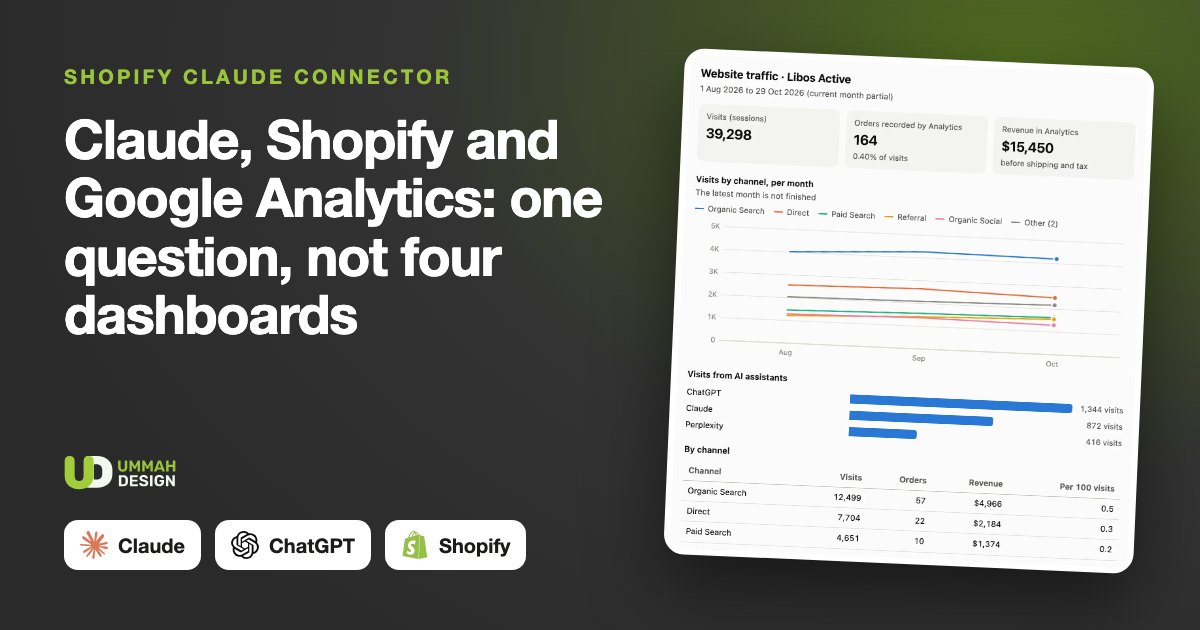
Your sales are in Shopify. Your visitors are in Google Analytics. Your Google searches are in Search Console, and your email results are in Klaviyo. Four logins, four dashboards, and four ways of counting. Most owners look at one of them properly and guess the rest.
A connector lets Claude, or ChatGPT, read all four for you and answer in one go. Here is what that involves, what each source adds, and the questions that only make sense once they are joined up.
What a connector is
A connector is an add-on you switch on in Claude's or ChatGPT's settings. Behind it sits a small server, the technical name is an MCP server, that the assistant can ask for figures when you ask it a question. You sign in once, like any other account. From then on, "how did last week compare with the week before?" makes the assistant fetch the real numbers rather than reply from general knowledge.
What the connector can do is decided by whoever builds it. Ours is read-only by design: it can fetch figures and nothing else. It cannot edit a product, change a price or send a customer an email, however the question is worded.
What each source adds
- Shopify: orders and sales by day, channel or product, profit after discounts and refunds, stock for every size and colour, and repeat customers.
- A daily stock history: Shopify does not keep one, so the connector takes a snapshot every morning. After two weeks it can warn you when a bestselling colour is down to its last size, which is the moment it quietly stops selling.
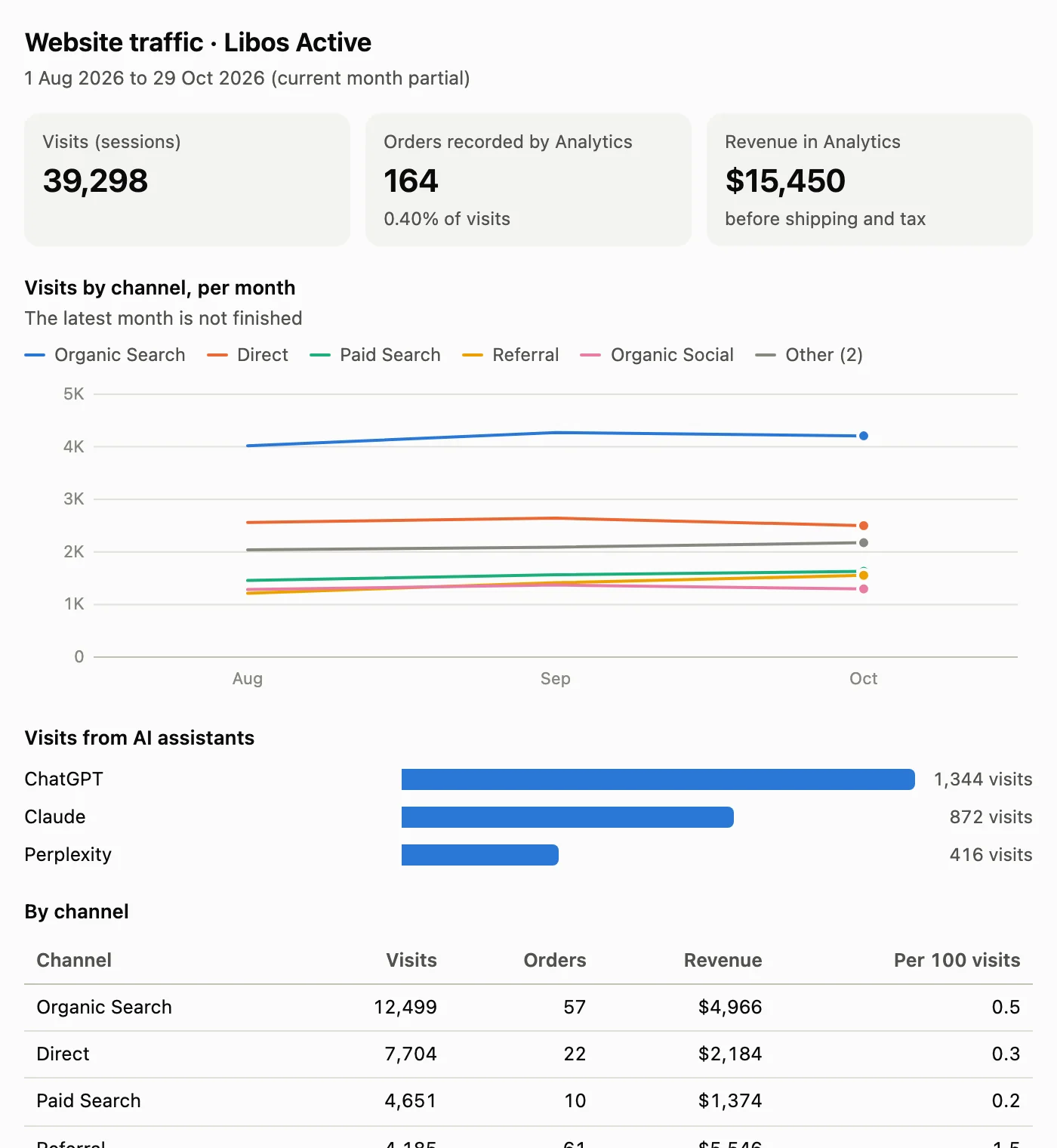
- Google Analytics: visits, orders and revenue by channel per month, including visits that arrive from ChatGPT, Claude, Perplexity and Gemini.
- Search Console: clicks and impressions from Google against the period before, the searches and pages that bring people in, and the searches gaining or losing clicks.
- Klaviyo: what each automated email flow earned over the last 7 or 30 days.
- Competitors: a weekly scan of up to five competitors that sell on Shopify, so you can see when they start a sale.
Every source is optional apart from Shopify. If one is not connected, the honest answer is "not connected", and that is exactly what ours says.
Questions that need more than one source
This is where joining them up pays for itself. Each source still answers with its own figures and its own dates, and the assistant puts them side by side:
- "Google clicks dropped last week. Did sales drop too, or just traffic?"
- "Visits from ChatGPT are growing. Are those visitors buying anything?"
- "Which searches are losing clicks, and are those products still selling?"
- "Our welcome email made the most money last month. Which products did new customers buy first?"
One rule matters here. Google Analytics counts revenue before shipping and tax, and it misses some orders, such as shoppers who decline cookies. Shopify is the count of record. A well-built connector tells the assistant this, so you never get a sentence that compares the two as if they were the same number.
How the Google access works
You do not share a Google password. The store adds a service address, a kind of robot account belonging to the connector, as a read-only user: a Viewer in Google Analytics and a Restricted user in Search Console. It takes a minute in each, the same way you would add a member of staff, and you can remove it the same way at any time.
Shopify access works through a read-only app the store creates for the connector, with permissions to read products, stock, orders and customers. Nothing with "write" in it.
What it will not do
- Change anything in the store, the Google accounts or Klaviyo.
- Show customer emails, phone numbers or addresses. Names appear only if the store chooses, as first name and surname initial.
- Guess. A figure is either from a connected source, with its dates, or it is answered as not available.
And your customers
The same idea works the other way round. A shopping connector puts your catalogue inside Claude and ChatGPT for your customers: real products with your own photos, size advice from your size chart, live stock, and a cart that checks out on your own Shopify checkout. For clothing stores it includes Try it on me, where the shopper sees an item on a photo of themselves before buying. Try it on me is included. The pictures are paid at cost to OpenAI from the store's own account, and the store sets the limit.
With both connectors, the owner side also shows which orders came through the assistants and what shoppers asked for that you do not stock yet.
See real answers, the charts and short demo videos on our page about Claude and ChatGPT connectors for Shopify. For the questions to start with, read how to ask ChatGPT or Claude about your Shopify sales, and trust the answer.