If you run a madrasah with classrooms and a hall, our guide to madrasah management software covers that setting in detail. This piece is for online academies and weekend schools that teach live, usually on Zoom, and are comparing their options.
What usually breaks first when a school runs on Zoom and WhatsApp
When an online or weekend school first comes to us, it is usually running on Zoom alone, with WhatsApp groups for everything else. That holds together for a term or two. Then two things give way.
The first is parents. Every tool has its own login: one for Zoom, another for Padlet, another for Classkick, and so on. Parents get very frustrated with so many apps and passwords, and they still cannot see in one place whether their child attended, handed in homework or has a fee due. The school's own data ends up scattered across all of these tools, with no way to organise it.
The second is fees. Schools end up paying several admins to chase payments by email and WhatsApp, and it still is not done on time. Sending the same reminder by hand, day after day, becomes the job nobody wants.
A school management system earns its place when those two problems cost you more than the system would. Until then, a smaller set of tools may be enough, and we come back to that in the checklist.
Why a state-school MIS rarely fits an online or weekend school
The management information system in a state school is built around duties a part-time school mostly does not carry. DfE guidance says the law requires all schools, including independent schools, to keep an admission register and an attendance register, both kept electronically, with the attendance register taken at the start of each morning session and once during each afternoon session (Working together to improve school attendance). Schools are expected to use an electronic MIS for this and for returns to local authorities and the DfE. The software is shaped around that day and those returns.
A weekend school usually sits somewhere else. In England, you must register as an independent school if you provide full-time education for 5 or more pupils of compulsory school age, or for 1 or more such pupils with an EHC plan or looked after by the local council (GOV.UK). The test is about full-time education. If your provision is close to full time, read that guidance properly before you choose software; we build systems and cannot advise you on the law.
The practical differences are what decide the software:
- Lessons are live on Zoom. The register comes from who joined and for how long, not from a teacher ticking names in a classroom.
- Fees come straight from families. Termly or monthly, by card or Direct Debit, and someone has to see who is overdue.
- Families can be spread across time zones. Lesson times and reminders have to be clear about which clock they follow, including when the clocks change.
- Staff are often volunteers. A teacher who logs in once a week needs to find their class in seconds, and should see only their own pupils.
An MIS built for a state secondary handles few of these well, and much of what you would pay for is built for returns you will never make.
Enrolment: from enquiry to a family with a login
On screen, enrolment should look like this. An enquiry form on your own website feeds a list of applicants. When a class is full, new applicants go onto a waiting list. When you confirm a family, the system creates everything else in one go: the pupil's place in the timetable, their lesson link, the first invoice and the parent's login. Any step still copied by hand will be missed at the start of the school year, when the inbox is fullest.
LiveClass is the platform we build and run ourselves for schools that teach live on Zoom, and The Forerunners Education uses it every day. Our student enrolment automation page shows the flow step by step.
Taking registers from live Zoom lessons
Zoom already gives you the raw material. When a meeting requires registration, each approved registrant receives a confirmation email with their own unique join link (Zoom). The meeting history report then shows participant names, join and leave times, meeting duration and guest status. It exports as a CSV, and a "Show unique users" option merges duplicate entries, such as someone who sat in the waiting room before being admitted (Zoom).
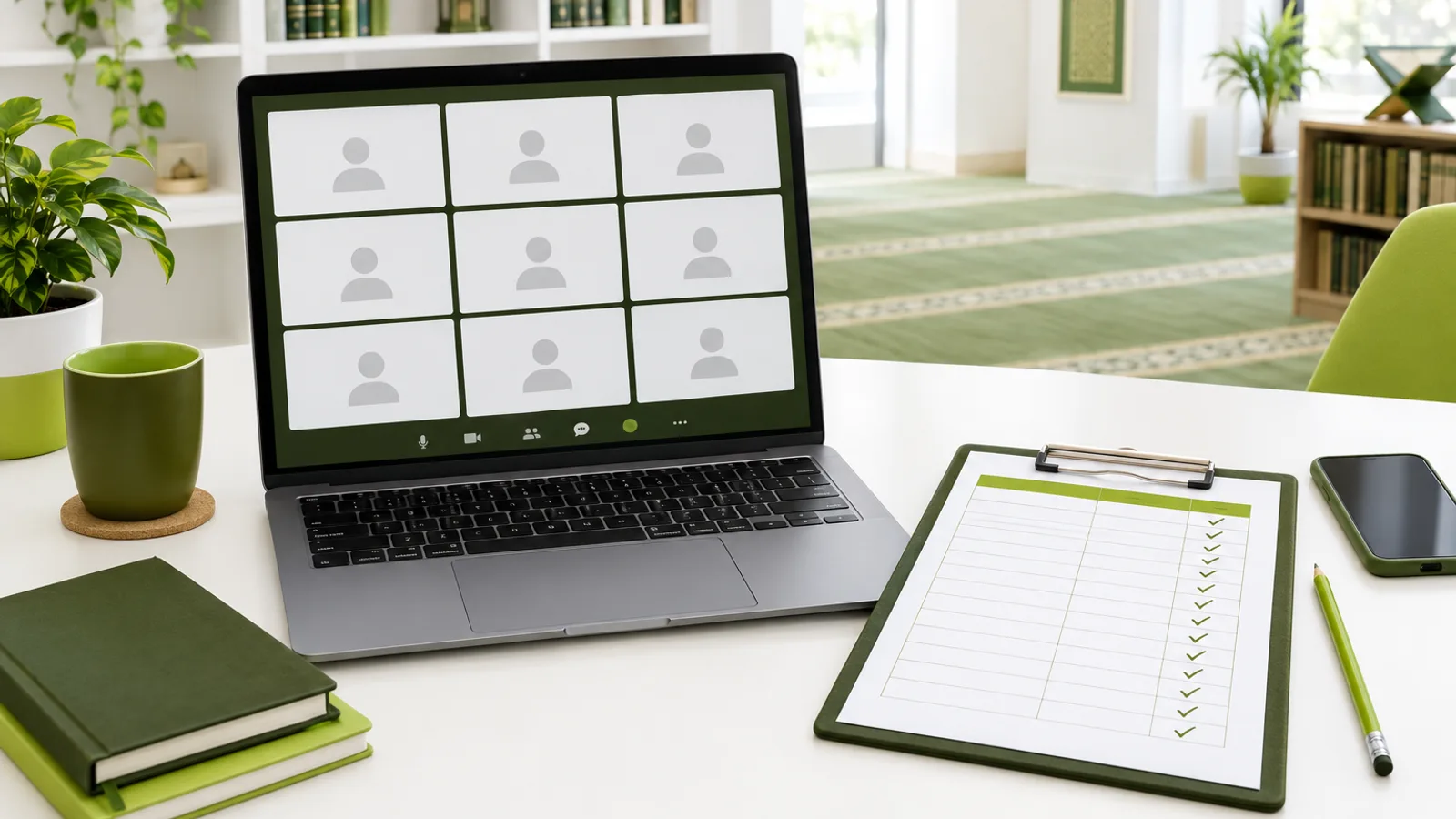
The common mistake is one shared link for the whole class. The report then fills with device names and parents' names, and somebody has to match them to pupils by hand every week. A personal link for each pupil solves the matching. A good school management system goes one step further and turns that data into the register itself, so nobody downloads a CSV on a Saturday afternoon.
LiveClass gives every pupil a personal Zoom link and takes attendance from it, so nobody matches names to pupils by hand.
Fees: where the money lands and how reminders go out
Ask first where the money goes. Stripe describes a Standard account as a conventional Stripe account with a direct relationship with Stripe, which can log in to the Dashboard and process charges on its own (Stripe). When fees go into the school's own account, you see every payment yourself instead of waiting for a software company to pass money on.

If you collect monthly fees by Direct Debit, plan for the delay. Stripe says Bacs Direct Debit typically takes 4 business days to confirm a payment when a mandate is already in place, or up to 7 business days when a new mandate is being collected (Stripe), and the funds are not immediately available (Stripe). So a family marked as paid at the start of the month may not have cleared yet. The fee screen should show pending payments separately from cleared ones, or your admin will chase the wrong people.
The screen that matters most to whoever chases fees is the overdue list: which families owe, for what, and since when, with reminders and failed-payment notices going out without anyone typing them. LiveClass takes fees into the school's own Stripe account and sends parents fee reminders and failed-payment notices.
Homework, report cards and parent messages in one place
Homework should be set, handed in and marked on one screen, worksheets included, so a teacher is not hunting through a group chat for photos of exercise books.
Report cards are where AI genuinely helps, as long as a person stays in charge. In LiveClass, AI drafts the report card and the teacher edits and approves it before parents see anything. Never let a school send AI-written comments that no teacher has read; parents notice, and they are right to.
For parents, the whole point is one login. In LiveClass they have one parent portal, where they can reply to messages from the office, and they get notifications on their phone without installing anything from an app store (on an iPhone, the parent first adds the portal to the Home Screen). Parents get a same-day alert when a child misses or is late for a lesson, fee reminders, and an email when a report is published. It does not send WhatsApp messages, so if your parents live on WhatsApp today, plan how you will move them across: tell them at enrolment that the portal is where everything now lives.
Safeguarding and data duties the system should help you meet
Software does not make a school safe, but it should make your records easier to keep. The DfE's out-of-school settings guidance applies to supplementary schools set up for language, cultural or religious purposes and to private tuition, and covers health and safety, safeguarding and child protection, safe and suitable people, and governance.
If your school is a charity, the Charity Commission says trustees retain overall responsibility for safeguarding even when they delegate it to a safeguarding lead (GOV.UK). Its guidance applies whether you work online or in person, and says to always get a standard, enhanced or enhanced with barred list DBS check when a role is eligible for one (GOV.UK).
On data, the ICO says a school responsible for student records is required to pay the data protection fee, with registered charities on the lowest tier (ICO). These are pointers to the official guidance, not legal advice. In practice, ask any supplier how staff access is limited to each teacher's own classes and how you would see who changed a pupil's record.
A checklist for choosing, and when a simple tool will do
Be honest about size first. If you have one teacher, a handful of pupils and fees paid once a term, Zoom registration links, a simple enquiry form and payment links from your own Stripe account may be all you need for now. We will tell you that on a call, even though it means a smaller job for us.
Once you have several classes, volunteers and families chasing you for information, use this list in every demo:
- Registers: does each pupil get a personal lesson link, and is the register built from it automatically?
- Fees: does money go into your own payment account, and is there an overdue list with automatic reminders?
- Parents: is there one login for lessons, homework, reports and fees?
- Phones: does the parent portal work on a small screen? WCAG 2.2 at Level AA expects content to reflow at a 320 CSS-pixel width without scrolling in two directions (W3C).
- Time zones: which clock does the timetable follow, what happens when the clocks change, and do families abroad see the time they need?
- Quran and Hifz: if you track levels or memorisation, is that built in, or is it custom work you will pay for separately?
- AI: does a teacher approve every draft before a parent sees it?
- Volunteers: can you limit each person to their own classes?
- Your records: can you export pupil, attendance and fee data whenever you want it?
Before your first demo, take one ordinary Saturday and write down every login, spreadsheet and message you handle by hand, from the first Zoom link to the last fee reminder. Bring that list to the call and ask the supplier to show, screen by screen, which items disappear. You can see how LiveClass handles them on the school management software page and in the LiveClass case study, then book a free 30-minute call to go through your own list.
Sources
- Department for Education, Working together to improve school attendance: July 2026 (read November 2026)
- GOV.UK, Independent school registration (read November 2026)
- Zoom, Managing meeting and webinar registration (read October 2026)
- Zoom, Accessing the meeting and webinar history report (read November 2026)
- Stripe, Connected account types (read October 2026)
- Stripe, Bacs Direct Debit payments (read November 2026)
- Stripe, Set up a subscription with Bacs Direct Debit (read November 2026)
- GOV.UK, Out-of-school settings: safeguarding guidance for providers (read November 2026)
- Charity Commission, Safeguarding for charities and trustees (read October 2026)
- Charity Commission, Safeguarding and protecting people for charities and trustees (read November 2026)
- Information Commissioner's Office, Paying a data protection fee, education sector (read October 2026)
- W3C, Web Content Accessibility Guidelines (WCAG) 2.2 (read November 2026)
See a Zoom register, a fee list and a report draft on real screens
Book a free 30-minute call and we will walk through the LiveClass demo school with you: attendance from each pupil's own Zoom link, fees into your own Stripe account, and report cards your teachers edit and approve. You speak to Sherzod, who builds it, and if a smaller set of tools would suit your school better, he will tell you.